


Redemption Instructions
Click Here For Instructions
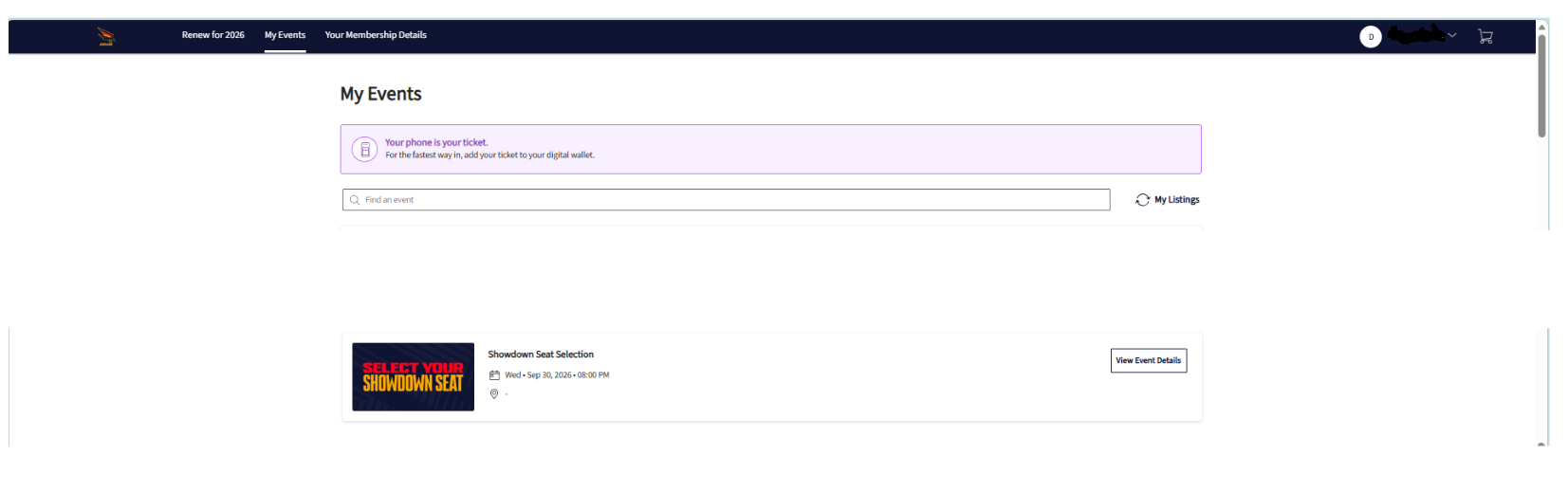
Step 1: Login to your Crows account and select My Tickets
Step 2: Click View Event Details on the event marked as Showdown Seat Selection
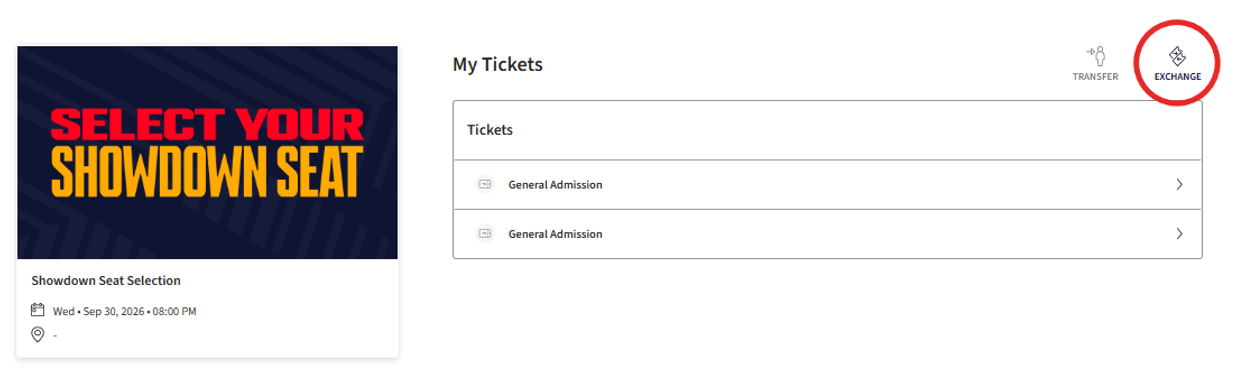
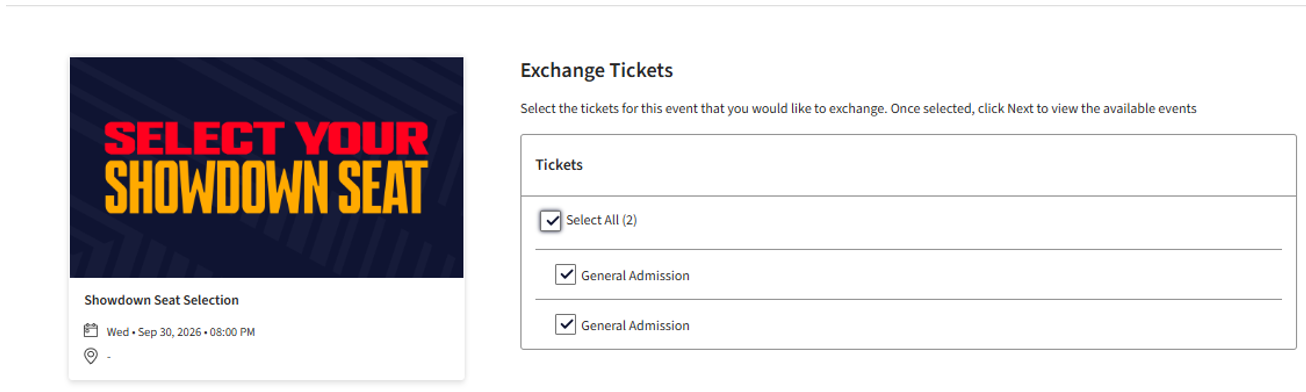
Step 3: Click Exchange and tick the General Admission product to exchange to a new seat.
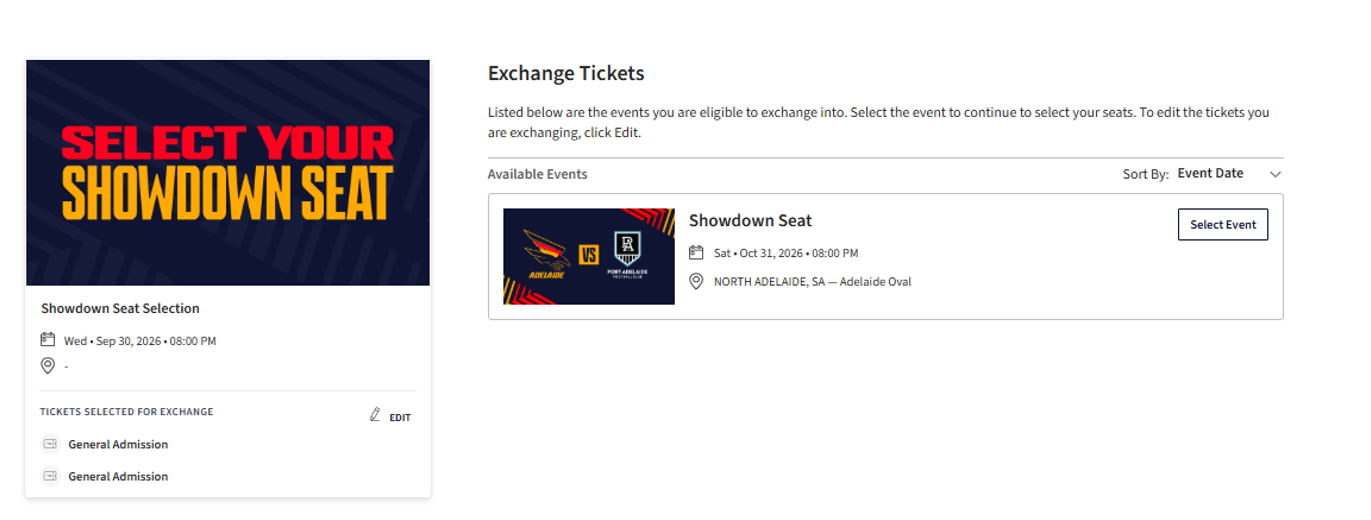
Step 4: Click Select Event and continue
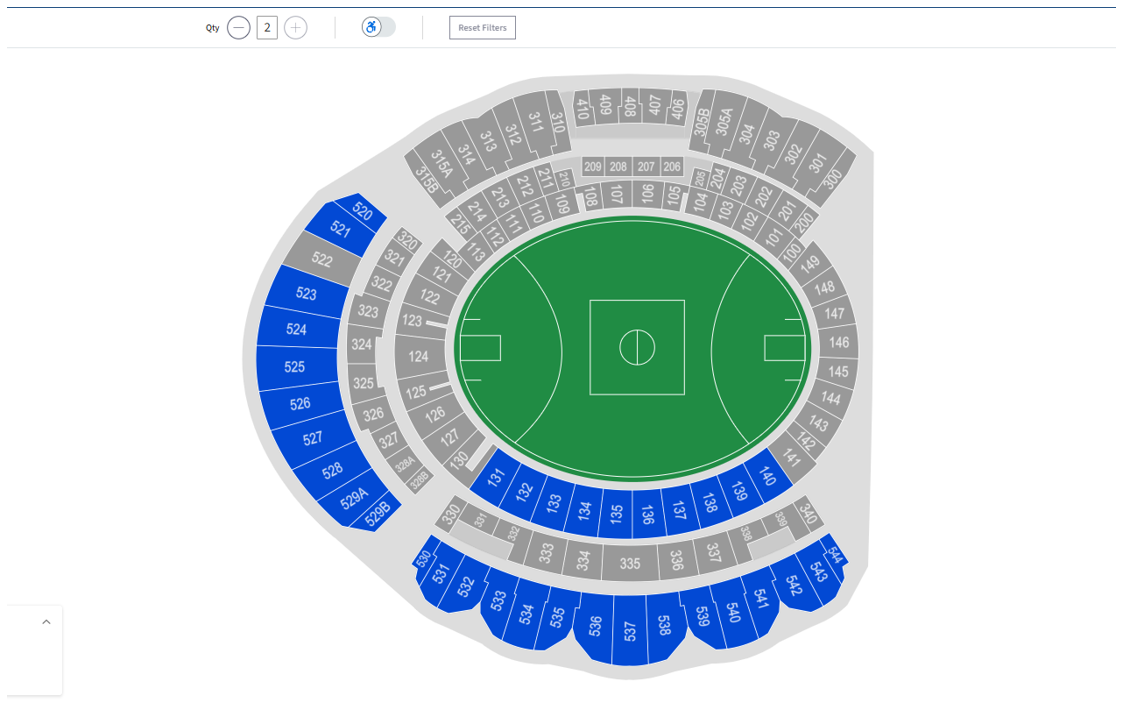
Step 5: Select your seat/s from available options (highlighted in blue)
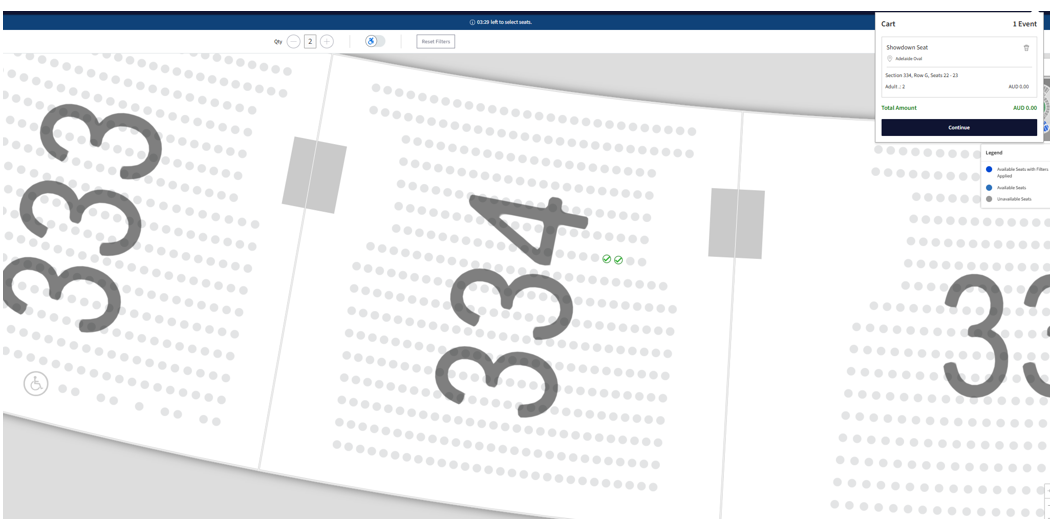
Step 6: Add your seats to cart
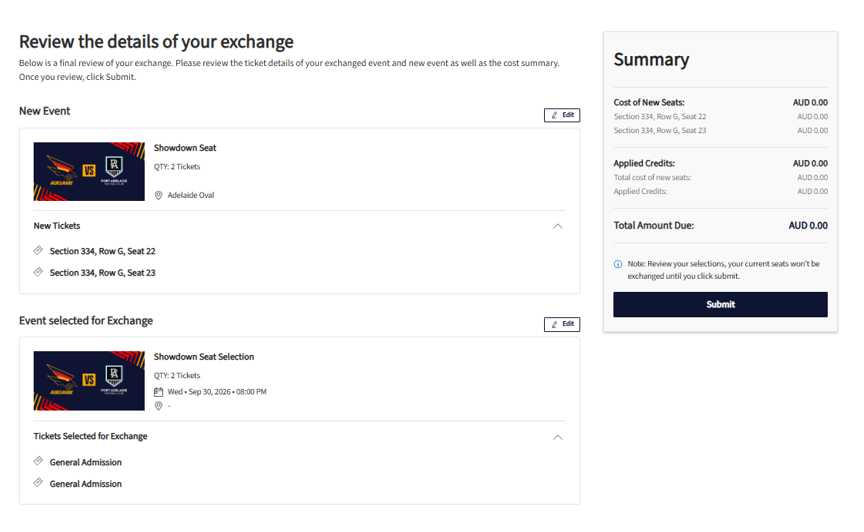
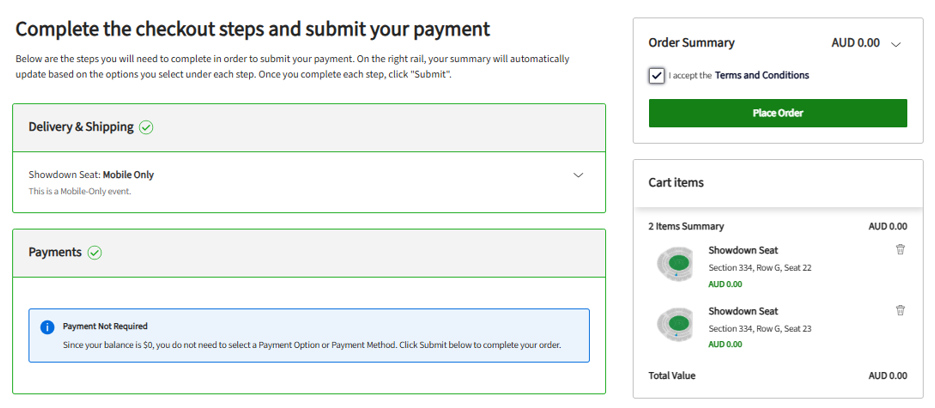
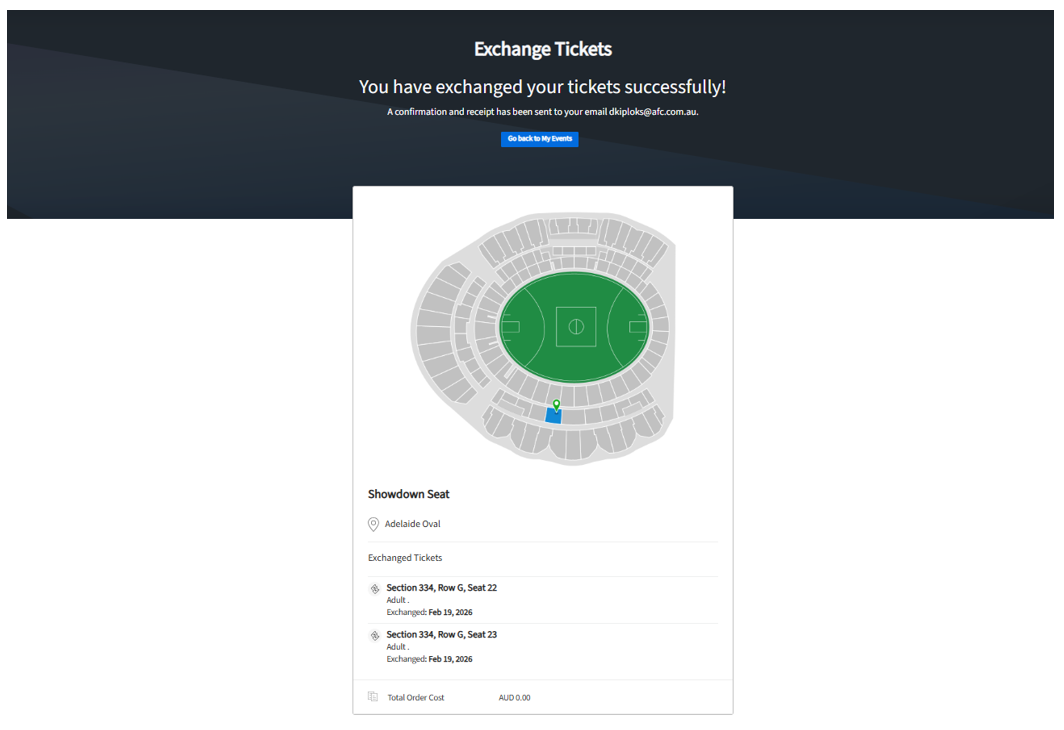
Step 7: Review details and submit. Your reserved seat tickets will be available in the App to scan on game day.



My items
You have not looked at any packages recently.
There are no featured packages.